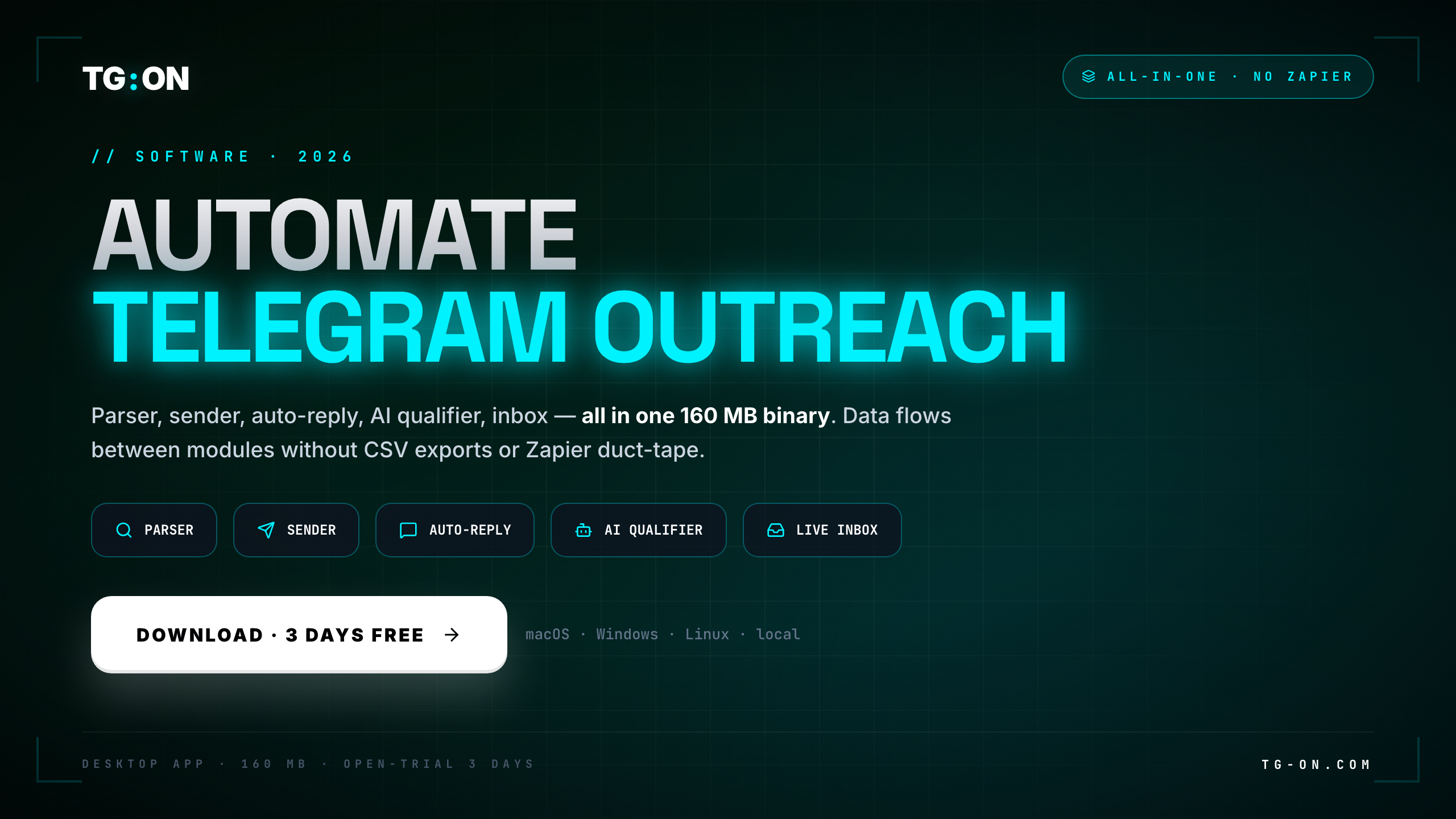
- A real Telegram bulk sender is not just a "send to everyone" button. It's five connected functions: parser, mass sender, auto-invite, warmup, and AI reply handling.
- "No ban" isn't magic and isn't a promise. It's a behavioral model: smart randomized delays, account rotation, proxies, and gradual warmup instead of blasting a thousand chats in a minute.
- TG:ON is a desktop app for Windows and macOS. It runs locally — your keys and sessions stay on your own disk.
- The built-in database (Vault) holds 2.9M+ chats and channels with keyword search. You don't need to buy a separate scraper.
- Free trial: 3 days or 100 messages, no credit card. Plans: Starter $49, Pro $89, Agency $169 per month.
- The real argument isn't "cheap" — it's one data flow: parse → send → reply → qualify, with zero CSV exports between services.
The search "telegram bulk sender no ban" in 2026 means one thing: the person has already been burned. Most likely they bought a cheap mass sender, loaded a thousand recipients, hit "start" — and an hour later got USER_BANNED_IN_CHANNEL across every chat plus a message from @SpamBot. The account they spent weeks warming up turned into a brick.
The problem is almost never the sending itself. The problem is that "send" is only one-fifth of the job. Without a parser you're messaging the wrong place. Without warmup you're firing from a cold account. Without delays and rotation you're sending in a pattern Telegram's anti-spam reads in minutes. Let's break down what a bulk sender actually needs to do — and why "no ban" is about engineering behavior, not a promise in an ad.
What a bulk sender must do: five functions
A complete Telegram mass message sender isn't one module — it's a chain. Here are the five functions, without which outreach either doesn't scale or gets you banned:
Parser (Vault). Before you send anything, you need an audience. TG:ON ships with a built-in database of 2.9M+ chats and channels with keyword search — no need to buy a separate Telegram scraper at $49/mo on top. One critical nuance: to send as a regular user you need chats and groups, not channels (only an admin can post to a channel). How to build a base from public sources without breaking ToS — we covered it in the technical guide on overnight parsing.
Mass message sender. The heart of the tool. Support for spintax (text variation so every message is unique), attachments (photo / video / documents), scheduling, and a queue with FloodWait handling. Text uniqueness isn't cosmetic: the same text in a hundred chats in one minute is a classic spam pattern.
Auto-invite. Adding your collected audience into your own groups, under Telegram's limits. It's a separate scenario with its own constraints, and breaking them is just as dangerous as blasting a send all at once.
Warmup. Ramping an account up to working volume instead of "buy it, blast a thousand." What actually works in warmup versus what's 2022 cargo-cult — we laid it out without illusions in "The warmup myth".
AI editor and AI agents. The editor helps you assemble the message; the agents (Qualifier / Closer) handle incoming replies — qualifying a lead and moving it toward your goal. They run on any LLM (OpenAI, Anthropic, Gemini, DeepSeek, Groq) and your API keys stay local, with you. Plus an auto-responder for routine questions.
Local-first is about your data. TG:ON is a desktop app, not a cloud service. Account sessions, the lead database, and LLM API keys sit on your own disk in local SQLite. You don't hand logins and conversations to a third-party service, and your campaign doesn't stall when someone's cloud has a bad uptime day. Why this matters in detail — in "Local-first for Telegram tooling".
Why "no ban": delays, warmup, rotation, proxies
This is where honesty matters. No tool gives a 100% "no ban" guarantee — anyone who promises it is lying. Telegram's anti-spam reacts to behavior, and the sender's job is to make accounts behave like humans rather than a bot firing a volley. That cuts risk by a lot, but not to zero. Four mechanisms that actually work:
Smart delays. Between messages, not a fixed pause (that's a pattern too) but randomized intervals. A human doesn't send exactly once every 10 seconds.
Warmup. A new or purchased account shouldn't immediately send hundreds of messages. A gradual build-up of activity lowers the odds of getting flagged. More on this in "The warmup myth".
Account rotation. Volume is spread across several accounts instead of dumped on one. One account under restriction isn't your whole campaign.
Proxies. Different accounts on different IPs. Ten accounts from a single address is its own signal for the system. Which OS and network setup holds up best is covered in "Choosing the OS for Telegram work".
How to read the errors. USER_BANNED_IN_CHANNEL is almost always not a ban in a specific group but an account-level restriction from @SpamBot that surfaces across many chats at once. A hundred of those errors usually equals one restricted account, not a hundred bans. What actually triggers @SpamBot — we reverse-engineered the signals in this breakdown and in the piece on risk arbitrage in mass sending. If an account does get hit, the recovery steps are in the 48-hour ban checklist.
Bottom line: "no ban" isn't a property of a button — it's discipline in your settings, which a tool either helps you keep or doesn't. TG:ON bakes delays, rotation, warmup, and proxies into one process — but final safety still depends on whether you crank the limits "to the max for speed." For the full playbook see our guide on how to avoid a Telegram ban.
By hand vs 5 SaaS tools vs one app
There are three ways to run Telegram outreach. Let's compare them by how they feel in week four, not in the demo:
| Criteria | By hand | Stack of 5 SaaS tools | TG:ON (one app) |
|---|---|---|---|
| Scale | Dozens a day, you hit fatigue | Thousands, but via CSV glue | Thousands, one flow |
| Ban risk | Low, but volume is low too | High — each tool has its own limits | Managed — delays/rotation/proxies built in |
| Audience parsing | You copy by hand | Separate SaaS + export | Vault: 2.9M+ chats and channels |
| Replies / qualification | You, in real time | CRM + AI agent + Zapier | AI agents in the same window |
| Where the data lives | In your head and notes | In 5 vendors' clouds | Local, SQLite on disk |
| Cost/mo | $0 + your time | $400+ in licenses + glue work | from $49 (Starter) · Pro $89 |
"By hand" doesn't scale. A "stack of 5 SaaS tools" scales, but half the week the team is reconciling the same lead table across five systems and fixing exports — a detailed look at that glue work is in "Stack consolidation" and "One app, five functions". One app removes the glue: the "lead" object exists exactly once, and the parser, sender, replies, and qualification all write to the same record. The broader case is laid out in our Telegram marketing software overview.
This isn't "5 microservices behind one login." Why a native MTProto client handles the protocol correctly (FLOOD_WAIT, PEER_FLOOD, entity caching) rather than a "wrapper over the Bot API" — we explained it in "Telegram software: a native client, not an adapter".
What it costs and how to try it
You can start for free. The trial is 3 days and up to 100 messages, no card required. That's enough to run a real campaign: parse chats, build a message, send it, and watch the replies come in. After that, three plans:
Where to start. Download the app for Windows or macOS, connect an account, find 20-30 target chats (not channels) for your niche in the Vault, build a message with spintax, and launch a careful send with the default delays. The 100 trial messages are a full test, not a demo mode.
TG:ON for Windows and macOS
A desktop app. Runs locally — sessions and keys stay with you. 3-day trial, 100 messages, no card.
Download freeParser, sender, invite,
warmup and AI — in one app.
3-day / 100-message trial, no card. A base of 2.9M+ chats and channels inside. Questions go to support at @tgon_support_bot.
Start the trialFrequently asked questions
Can you really bulk send on Telegram without getting banned?
No tool can promise 100% no-ban — anyone who does is lying. But the risk drops sharply when you follow behavioral discipline: randomized smart delays, gradual account warmup, rotation across accounts, and proxies. TG:ON builds these into the send process. The main thing is not to crank limits to the max for speed — aggressive settings are exactly what triggers @SpamBot most often.
How is this different from a plain bulk sender?
A plain sender only knows how to send. TG:ON covers the whole chain: audience parsing (Vault of 2.9M+ chats and channels), the mass sender, auto-invite, warmup, and AI handling of replies — all in one app, with no CSV exports between services. It removes the duct tape of five separate SaaS tools.
Where are my accounts and API keys stored?
Locally. TG:ON is a desktop app for Windows and macOS. Your account sessions, lead database, and LLM API keys live in a local SQLite file on your own machine, not in a vendor cloud. That means privacy and independence from anyone else's uptime.
Can I send to channels or only to chats?
As a regular user you message chats and groups. Only an admin can post to a channel. So for bulk outreach you filter the Vault to chats and groups, not broadcast channels — otherwise you have nowhere to send as a user.
What does it cost and is there a free trial?
The free trial is 3 days or 100 messages, no credit card. After that there are three plans: Starter $49, Pro $89, and Agency $169 per month. Download it at tg-on.com for Windows or macOS.