- "Telegram software" is usually generic SaaS (HubSpot-style) + a marketplace adapter for Telegram. Weak.
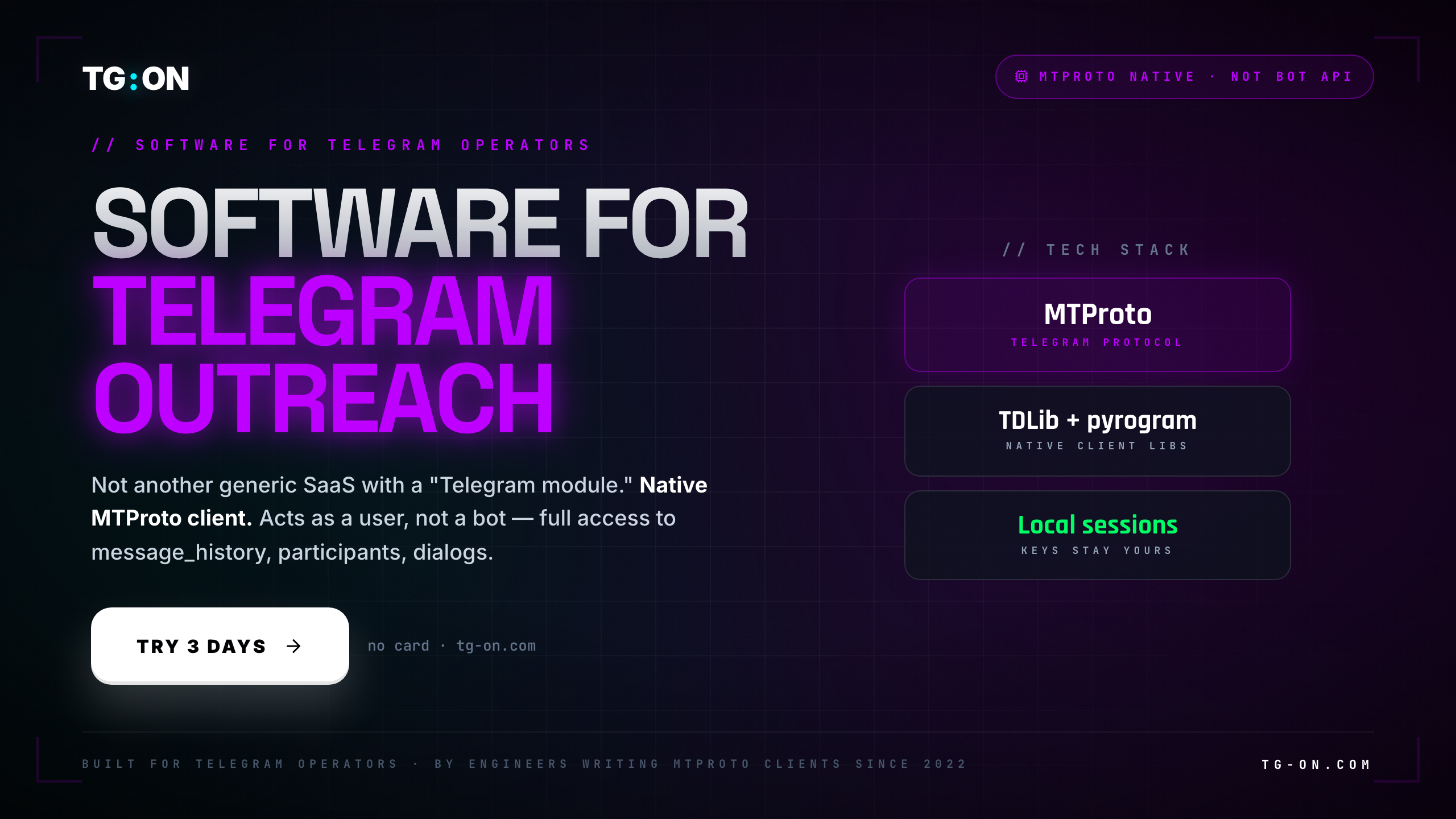
- TG:ON is built on TDLib/pyrogram — a native MTProto client. It speaks the official protocol, not Bot API.
- Difference: access to
message_history,user_photos,channels.getParticipants,dialogs— things Bot API doesn't expose. - Handling
FLOOD_WAIT/PEER_FLOOD/SESSION_REVOKEDhappens at the protocol level, not as HTTP retries. - Entity caching, dialog pagination, peer resolution — all work correctly in 2026.
- Session-files stay local. Exportable, migratable, backuppable. In cloud-SaaS, none of that.
If you've ever looked at the "Telegram automation" market and wondered why some tools run 10 accounts at 100 messages per hour while others break on the fifth recipient — it's not about code quality. It's about which layer of the protocol the software is talking to Telegram on.
Most mass-market Telegram software is a generic CRM / outreach platform with a Telegram Bot API adapter bolted on the side. From the outside they all look the same: "sends messages on Telegram". Inside — 100x difference in what's accessible and how they survive errors.
Bot API vs MTProto — what's the difference
Telegram has two entry points for third-party clients:
- Bot API (
api.telegram.org) — an HTTP wrapper. Works only on behalf of a bot (@YourBot). A bot needs a token from BotFather. Easy to use, docs fit in a single file. - MTProto (
core.telegram.org/mtproto) — the official binary protocol, the one Telegram Desktop, iOS and Android clients actually speak. Used either via TDLib (C++), or through wrappers like pyrogram / telethon (Python).
Why this matters: Bot API simply can't do what a regular user client can. A bot can't see the dialog list, can't pull participants from a public channel (unless added as admin), can't read messages in chats it hasn't joined.
For outreach and parsing, Bot API is a dead end. It's designed for interactive bots (@GmailBot, @WeatherBot), not for working with channel lists, parsing participants, or mass outbound.
Key nuance: "sending as a bot" and "sending as a user" are fundamentally different entities. The first only works in dialogs the user initiated. The second is a full account — can write to new people, join channels, see its own dialog list.
What a native client does that an adapter can't
A native MTProto client is your Telegram, just run programmatically. The session logs in via auth.sendCode + auth.signIn exactly like the Desktop client. From there the entire user API is open:
| Feature | MTProto method | What you get |
|---|---|---|
| Message history | messages.getHistory | Full parsing with dates, reactions, forward chain |
| Channel participants | channels.getParticipants | Filters: recent, admins, kicked, bots, search |
| User photos | photos.getUserPhotos | Download avatars for personalization |
| Dialog list | messages.getDialogs | Pagination via offset_date + offset_peer |
| Username resolution | contacts.resolveUsername | @handle → full InputPeer |
| Message search | messages.search | Keyword search inside a specific peer |
| Inline search | contacts.search | Find users/chats by string query |
These aren't "advanced features". These are baseline Telegram functions a normal user uses every day in the app. For audience parsing, outreach and CRM integration they're all mandatory.
A generic SaaS with a Bot API adapter can do exactly one thing: send messages to people who messaged the bot first. Everything else has to be hacked around on the side — usually via "upload a CSV of usernames, we'll try to find them". Which works poorly: without resolveUsername the adapter can't get an InputPeer, and without InputPeer it can't do anything.
channels.getParticipants — it isn't automating Telegram. It's automating HTTP requests to BotFather.»
Telegram errors at the protocol level
The second fundamental difference is how the tool survives errors. MTProto defines dozens of error classes, and each deserves a different response. A generic SaaS with an HTTP adapter sees only 400 / 429 / 500 and retries after N seconds. That's not enough.
The correct reaction to PEER_FLOOD is not "wait 60 seconds and retry". It's a signal that the account is already in restricted state. If you keep sending, a @SpamBot ban lands within 2-3 hours. A native client must immediately stop outbound from that account and move it into a 24-72h cooldown.
SESSION_REVOKED means the user (or Telegram security) logged your session out from another device. Retrying the same auth-key is pointless — it's already dead. A native client drops the session-file and either alerts in the UI or initiates SMS re-login. A generic SaaS just retries 5 times and gives up.
Classic "adapter" symptom: the tool retries PEER_FLOOD as a regular rate-limit error. Result — account runs itself into a full ban within 2-3 hours. A native client sees PEER_FLOOD and instantly pulls the account into cooldown.
Why 2026 breaks tools without an entity cache
Telegram uses a layered peer-identifier system: user_id + access_hash, channel_id + access_hash. To send a message to a channel you need both values. access_hash is issued by the server per session — you can't use it from a different session.
This is called entity caching: the native client has to maintain a peer_id → access_hash table and refresh it whenever new values come in through updates. Without it:
- You parse channel participants → you get user_ids. Without
access_hashyou can't message them. - You import a list of @usernames → resolve via
resolveUsername→ get peers. If the cache isn't persisted between runs, tomorrow you have to resolve again — and Telegram starts rate-limiting resolves. - You send a recipient 10 messages today, and on the 11th the tool says "user not found". The cause — lost
access_hashin the cache.
Native clients (TDLib, pyrogram) handle this out of the box: there's a built-in peer table, sync via updates, proper invalidation. Generic SaaS adapters often cache only user_id — and break on operations that need access_hash.
Keys stay local — the core principle
Another native-vs-cloud divergence: where the session auth-key actually lives.
- Native (TG:ON): the session-file lives on your machine. SQLite + encryption (key in Keychain/DPAPI). Exportable, backuppable, movable between machines. You own it.
- Cloud SaaS: the session-file lives at the vendor. You don't have direct access to the auth-key. The vendor can technically use it, copy it, lose it in an incident. If you cancel, the sessions stay with them.
From an engineering perspective, that's an anti-pattern for cloud-SaaS. An auth-key is effectively password+2FA rolled into one object. Storing those in bulk with a third party is like handing your banking passwords to a cloud CRM. It works until the vendor isn't honest, or until they're breached.
When an adapter is enough, when it isn't
Honest split: not everyone needs a native client.
| Use case | Bot API / adapter suffices | Needs native MTProto |
|---|---|---|
| Notifications to your own channel | Yes | — |
| FAQ chatbot | Yes | — |
| Ping 10 contacts per day | Yes | — |
| Outreach to 100+ new users | No | Yes |
| Parsing channel participants | No | Yes |
| CRM with conversation history | No | Yes |
| Inviting users to your channel | No | Yes |
| Auto-replies in chats | No | Yes |
| Managing a farm of 10+ accounts | No | Yes |
If your workflow sits in the top three rows — don't waste money on a native client, any bot will do. If it's in the rest — any "Telegram software without MTProto" will break on every non-trivial operation. It's not a feature question, it's an architecture question.
TG:ON for macOS · Windows · Linux
Desktop app, 160 MB. Native MTProto client, session files stay local. 3-day trial, no card.
Download for freeMTProto + TDLib
out of the box.
Full client access: message_history, participants, dialogs. Sessions stay local. 3-day trial.
DownloadAdapter ≠ native client
"Telegram automation" is marketing language. The useful part of it is only what the tool can actually do against MTProto directly. Everything else is a pretty UI over Bot API that breaks at the first serious operation.
Before buying, check: can the tool parse participants of a public channel without admin rights? Can it pull conversation history from its own dialogs? Where is the session-file, can you export it? How does it react to PEER_FLOOD? If the answers are "no/no/with us/it retries" — you're looking at an adapter.
TG:ON is native from day one. TDLib + pyrogram under the hood, session-files local, proper handling of every protocol-level error class. One binary to download, keys stay with you.