- Most "Telegram automation SaaS" tools are cloud-first. Your sessions, your outreach, your conversations — on their servers.
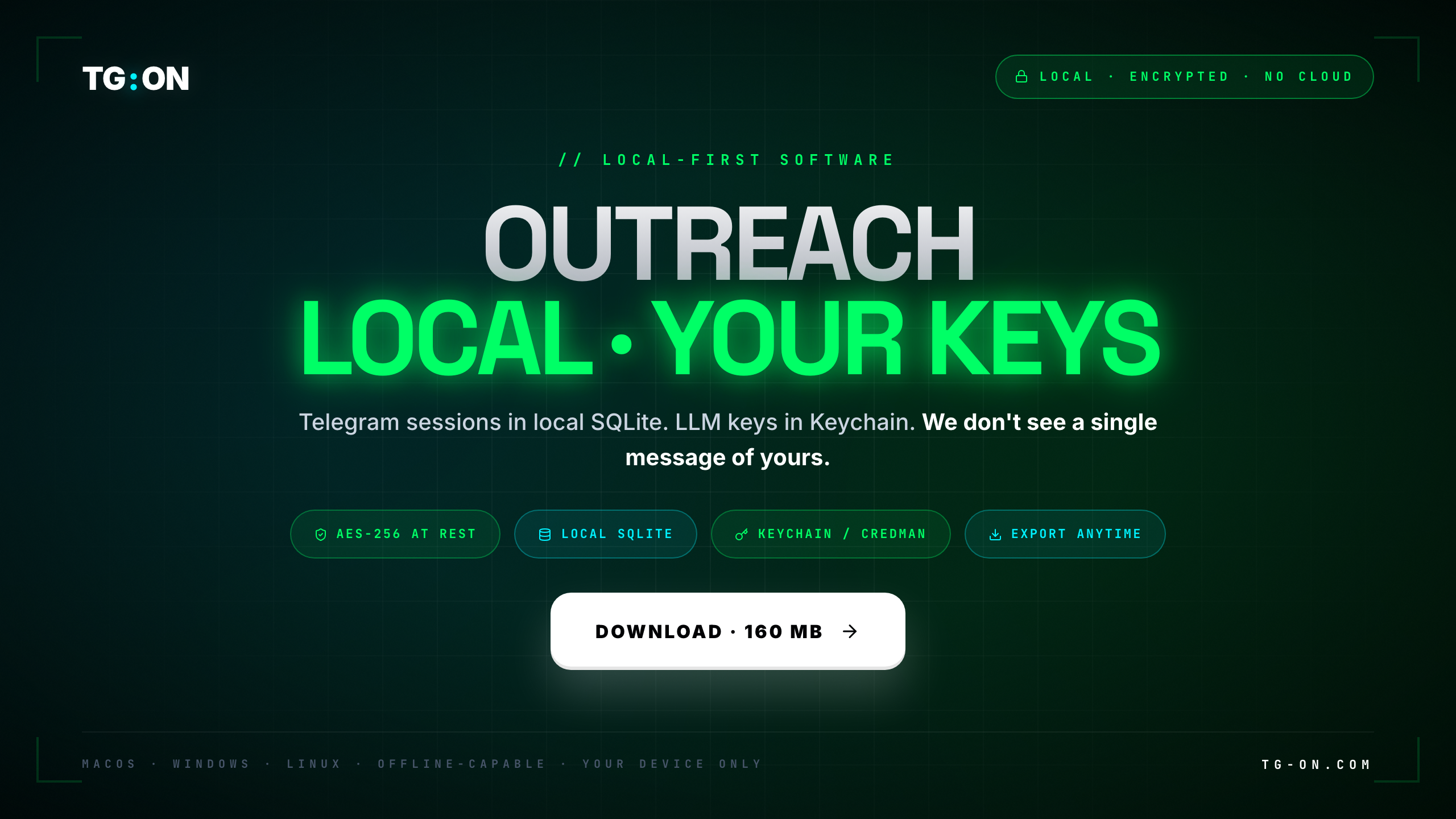
- TG:ON is local-first. 160 MB binary, everything local, encrypted at rest (AES-256, key in Keychain).
- Telegram sessions live in a local SQLite → if the TG:ON server goes down, your workflow keeps running.
- LLM keys live in Keychain / Credential Manager, not in a plaintext file.
- Mobile access via Cloudflared tunnel: phone ↔ your machine, we only see the QR pairing code.
- License check —
machine_id+ SHA-256 hash of the key, once a day. No telemetry, no usage metrics. - Export anytime: SQLite / CSV / JSON. Zero vendor-lock.
A common question on demo calls: "where do you store our Telegram sessions?" The short answer — nowhere on our side. They live in an encrypted SQLite database on your machine, in ~/.tgon/. We physically can't retrieve them, because we don't have them. This architectural decision was made in 2023 when we started TG:ON. It grants superpowers and introduces honest constraints. Below — both sides.
Local-first vs cloud-SaaS: who sees what
The difference isn't about "where the UI runs". The difference is through whose server your data flows and who holds your auth-keys. A simplified diagram of the two approaches:
In cloud-SaaS your traffic physically passes through their infrastructure. They can (and in some jurisdictions are legally required to) log it. In local-first, your machine talks to Telegram servers directly — like a regular TDesktop, just automated.
| What the vendor sees | Cloud-SaaS | TG:ON (local-first) |
|---|---|---|
| Telegram auth-keys | Yes, stored | Never |
| Your outbound messages | Yes, pass through their server | Never — go directly to TG |
| Inbound replies | Yes, in their Inbox | Never — in your local SQLite |
| Contact database | In their DB | In your ~/.tgon/contacts.db |
| LLM API calls | Proxied through them | Direct from you to the provider |
| Usage metrics (counters) | Yes, for billing | No, flat-rate license |
| Personal data | Minimum email + billing | Only machine_id and key hash |
Neither approach is universally "better". Cloud-SaaS is more convenient for collaboration and working from any device. Local-first — for those who care about data ownership and resilience. We deliberately picked the second side.
Inside ~/.tgon/ and how it's encrypted
After you install the binary, TG:ON creates a ~/.tgon/ directory (on Windows — %APPDATA%\tgon\). Inside — a set of SQLite databases, each covering a distinct area:
| File | What's inside | Encryption |
|---|---|---|
sessions.db | Telegram auth-keys (session-files for all accounts) | AES-256, key in Keychain |
contacts.db | Contact database, targets, categories | AES-256 at rest |
conversations.db | Live Inbox history, replies, tags | AES-256 at rest |
campaigns.db | Campaign metadata, schedules, templates | AES-256 at rest |
ai_context.db | Prompt history, LLM response cache | AES-256 at rest |
vault.db | Index of 2.9M+ channels (reference) | Unencrypted — public data |
Encryption works like this: on first launch TG:ON generates a 256-bit AES key and places it in macOS Keychain (or Windows Credential Manager / gnome-keyring on Linux). The key is accessible only to apps codesigned with our Developer ID. Even if someone copies your ~/.tgon/ directory to another machine — without the Keychain entry they get an encrypted blob, useless to them.
LLM keys (your OpenAI / Anthropic / DeepSeek API key) are stored separately in Keychain, not in SQLite. Not in a plaintext file, not in an environment variable, not in config.json. Only in the protected system vault.
Your phone connects to your machine, not to us
One of the hard questions with local-first: how do you use it from a phone? The cloud-SaaS answer is obvious — web UI via their server. Ours is different. When you enable mobile access in TG:ON, here's what happens:
- Your machine spins up a local HTTPS server on a random port.
- Cloudflared (embedded in the binary) opens an outbound tunnel to Cloudflare edge and gets a unique subdomain like
ab3f9x.tgon-tunnel.com. - TG:ON generates a QR code with this URL + a one-time pairing token.
- You scan the QR with your phone. The Telegram Mini App opens the URL via the Cloudflare tunnel → lands directly in your machine.
- Our license server is not in this flow. At all. We only see the fact that a QR was generated — and even that is just a random token, not linked to your account.
Practical implication: if our license server went down right now, your mobile connection would keep working. The only thing you couldn't do is activate a new machine (needs a key check). Existing installs stay alive.
Exactly what we see on our side
Once a day the TG:ON desktop makes a single POST to our license server. The payload looks roughly like this:
What we do NOT see: how many messages you sent, which channels you wrote to, which targets you attached, which LLM you use, your prompts, AI responses, Inbox content, account names, phone numbers, contact lists. None of this.
What we do see: key X is active on machine Y, app version Z. That's it. Enough to confirm "whoever pays, uses it" — not enough to profile your business.
Why so few metrics? Usage-based billing is an architectural trap: the moment you sell "per message", you have to count them → log them → either route traffic through your server or inject telemetry into the client. We picked flat-rate subscription and dropped telemetry as a category.
How you take your data with you
The simple vendor-lock check: if I stop paying TG:ON tomorrow — what do I walk away with? Cloud-SaaS answer is usually "a zip export from our server, in our format, partial". Ours — everything, immediately, in open formats. Concrete steps:
- Copy the
~/.tgon/folder — you have every SQLite database in hand. - Open
contacts.dbwith any SQLite client (DB Browser, TablePlus,sqlite3CLI) — you see all targets, categories, metadata. - In TG:ON UI → Settings → Export there are buttons: contacts to CSV, conversations to JSON, campaigns to JSON.
- Telegram session files export in the standard pyrogram/telethon format and open in any MTProto client.
- Cancel the subscription. The binary stops working after the key expires, but your data is yours.
The maturity test for a local-first solution: you don't depend on our API to access your own data. SQLite is an open format, specified as a standard, around since 2000. Your databases will outlive our company.
Where local-first loses — honestly
We promised honesty — here it is. The local-first architecture is not magic, it has real downsides:
- Updates aren't automatic. We can't "push a fix to every client in 5 minutes". You download a new DMG / EXE manually (or via in-app updater with your consent). Fast security patches arrive slower.
- Working from another machine needs sync. If you want to start outreach on a laptop and continue on a desktop — you need to copy
~/.tgon/. We don't auto-sync between devices (that would require cloud storage — see the whole manifesto above). - Performance is bounded by your hardware. Old MacBook Air with 8 GB of RAM? Running 50 accounts simultaneously will crawl. In cloud-SaaS that's someone else's problem.
- Teams of 10+ — harder. Collaborative workflow needs either manual DB sync or running TG:ON on a shared VPS. Solvable, but not out-of-the-box the way a SaaS CRM is.
- Backup is on you. Drive dies without a backup → data is gone. We can't restore, because we never had it.
If real-time collaboration across 10+ people, working from any device without sync, and managed backup are critical for you — local-first isn't for you. That's a fair tradeoff, more honest to say upfront than sell and disappoint. For solo operators and teams up to 5, local-first covers 95% of use-cases and delivers what SaaS never will: full control over your data.
TG:ON for macOS · Windows · Linux
Desktop app, 160 MB. Runs locally, your data never leaves your machine. 3-day trial, no credit card.
Download for freeDownload the binary.
Everything else is yours.
160 MB, macOS/Windows/Linux. SQLite under the hood. Export anytime.
Download