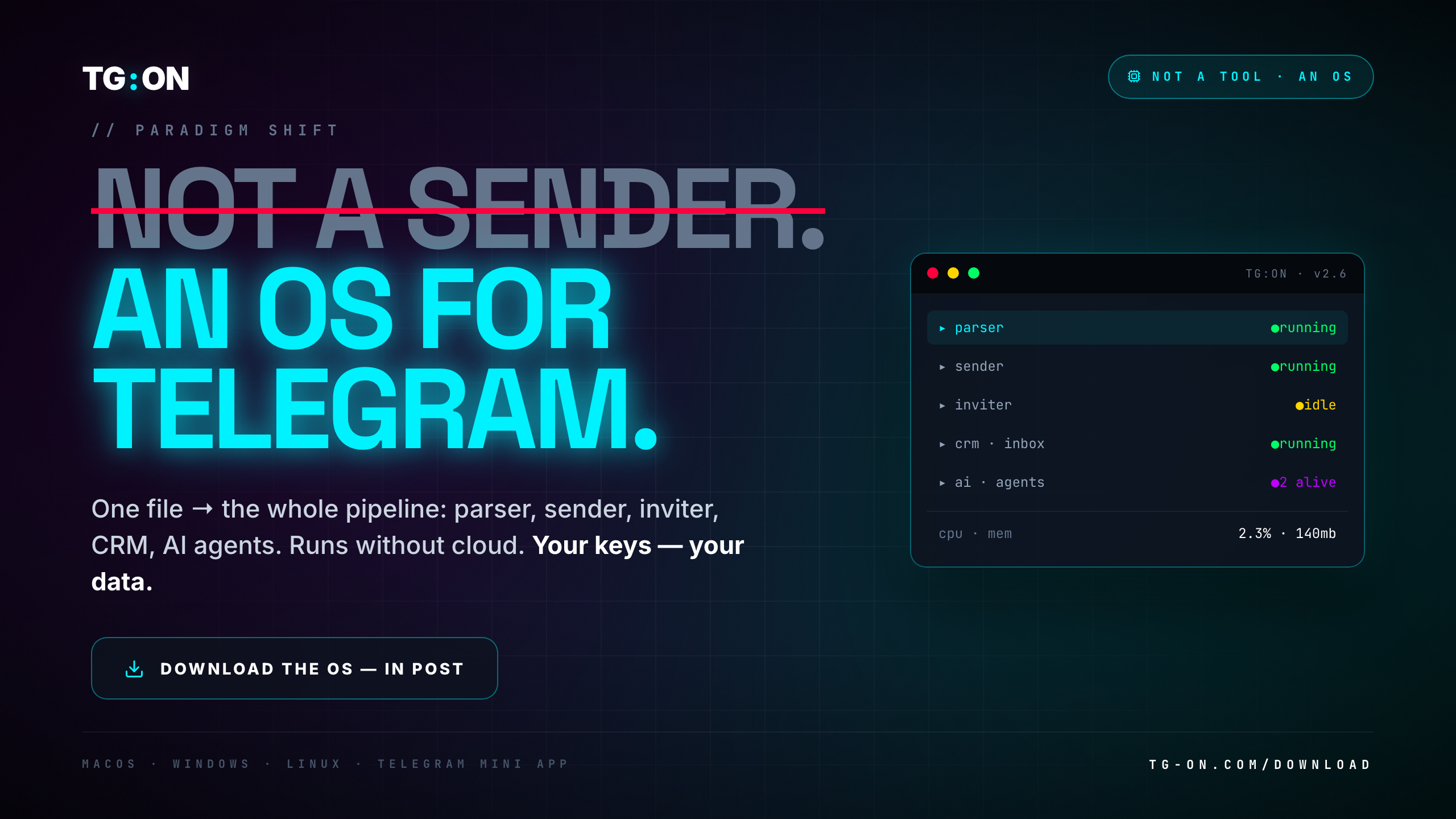
- TG:ON is designed as a desktop OS for Telegram operations, not as "yet another sender in the cloud".
- One binary (160 MB, macOS/Windows/Linux), 5 modules with shared state, works offline except for the sending itself.
- Your auth-keys, databases, media — locally, on your machine. No cloud storage, no multi-tenant shared environment.
- Why not SaaS: if the vendor goes down / compromised / changes ToS — you lose access, data, workflow. Local-first = resilience.
- Trade-off: mobile use-cases are slightly harder. Compensated by a Telegram Mini App for monitoring.
When we launched TG:ON in 2023, the first question from investors was: "why desktop and not cloud SaaS? That goes against the trend." The answer isn't "we're Luddites", but a technically and product-wise deliberate choice. I'll break it down here, because it explains most subsequent decisions in the product.
Why cloud-only doesn't work for Telegram operations
Mass Telegram outreach assumes long-lived MTProto sessions across many accounts. Each session is tied to auth-key + device fingerprint. If this data sits in a cloud SaaS:
- The vendor has access to your accounts — technically they can use, ban, sell them. A question of trust, but the risk is real.
- Vendor lock-in is sharper — migration = exporting all session-keys and re-importing them into another service. Rarely possible cleanly.
- Compliance risk — in some jurisdictions, third-party storage of auth-keys = violation of Telegram ToS.
- Central point of failure — vendor goes down = your entire account farm is offline.
- Shared infrastructure signals — if the vendor uses the same IP ranges for all clients, and someone triggers @SpamBot on one ASN, a group of clients suffers.
What a desktop binary gives you
TG:ON is a single binary file. Installs like a normal application (.app / .exe / .deb). Inside:
| Component | Storage | Direct access |
|---|---|---|
| Account auth keys | Local SQLite, encrypted | You only |
| Telegram sessions | Keychain / DPAPI / gnome-keyring | Only your user session |
| Lead database | Local SQLite | Full export at any time |
| Logs + telemetry | Local, optional anonymous upload | Opt-in to share |
| Media, templates | Local filesystem | — |
Over the internet, only the following goes out:
- The messages themselves into Telegram (via MTProto, with your credentials)
- API calls to the LLM (if configured) — go directly from you to OpenAI/Anthropic/etc., not through us
- Client updates (automatic, signed with our key)
- Optional anonymous metrics (can be turned off)
We don't pass through your traffic. We don't see your messages, we don't see your databases, we don't see your clients. The model: you bought software, it runs on your machine.
5 modules, shared state
Inside the binary:
- Parser daemon — indexing 2.9M+ channels (the client receives updates), filters, export
- Sender engine — MTProto client, Spintax, LLM proxy, rate-limiter
- Inviter worker — safe auto-invite with fingerprint checking
- Live Inbox CRM — unified inbox for the whole farm, tags, filters
- AI agents — Qualifier + Closer, connect to your LLM APIs
All modules run in a single process, share the SQLite database with leads, use a shared rate-limiter and proxy-pool. This means:
- A lead found by the parser is immediately available to the sender without export/import
- Replies from the lead automatically appear in Inbox without inter-process synchronization
- The AI agent sees the full context (where we found them, what we wrote, what they replied) without API calls between services
- Flood-limits are centralized — you can't accidentally overload the sender while the parser is also running on the same account
Where desktop loses to cloud
Honestly — a local-first architecture is not without downsides:
- Mobile use-cases are harder — you can't "launch an outreach from your phone". We compensate with a Telegram Mini App for monitoring (see status, read inbound), but for launching you need a desktop.
- Teams of 10+ people — collaborative workflow is harder (no shared database by default). Works via sync between machines, but it's not as smooth as in a cloud CRM.
- 24/7 operation — your computer has to be on. Alternative — run TG:ON on a VPS (details in the guide), but that's on you.
For most users (solo up to a 5-person team) desktop covers 95% of use-cases. For 10+ people — worth comparing with cloud solutions if collaboration matters more than data ownership.
Why "OS", not "sender"
A sender is one tool that does one thing (sends messages). An OS is a platform on which you can build different workflows.
In TG:ON you're not limited to "outreach". You can:
- Use only the parser — collect an audience for other purposes (research, lead generation for another tool)
- Use only the Inbox — unified CRM for managing an account farm, without outreach
- Combine parser + inviter — building a community channel, growing organic
- Use AI agents with a manual database — respond to inbound from non-outreach sources
This isn't "5 products glued together" — it's a shared platform on which you pick your own flows.
TG:ON for macOS · Windows · Linux
Desktop app, 160 MB. Runs locally, your keys stay yours. 3-day trial, no credit card.
Download for freeDownload the OS · 3 days free.
No card.
160 MB, installs in 2 minutes. Local database, your auth-keys, full control. Trial — full access to all modules.
Download